Checking
TWITCH WATCH
Kickoff
HuddleGG, EA Madden NFL, and BuffaloKaay. Chrome opens a channel the moment one goes live.
Nobody live · Looking now
Checking
Checking
Keep Chrome on it
This page opens the stream while the tab stays open. A website cannot launch Chrome after you quit the browser. Install the add-on and Chrome will open HuddleGG, EA Madden NFL, or BuffaloKaay on its own whenever the browser is already running, about once a minute, even if you are on another tab.
1
Download
Unzip the folder. Don’t open the files.
2
Load it
chrome://extensions, Developer mode, Load unpacked.
3
Leave it
All three channels are already in the list. Auto-open is on.
Download for Chrome Chrome Web Store icon128×128. Open this, then save the image and upload that file.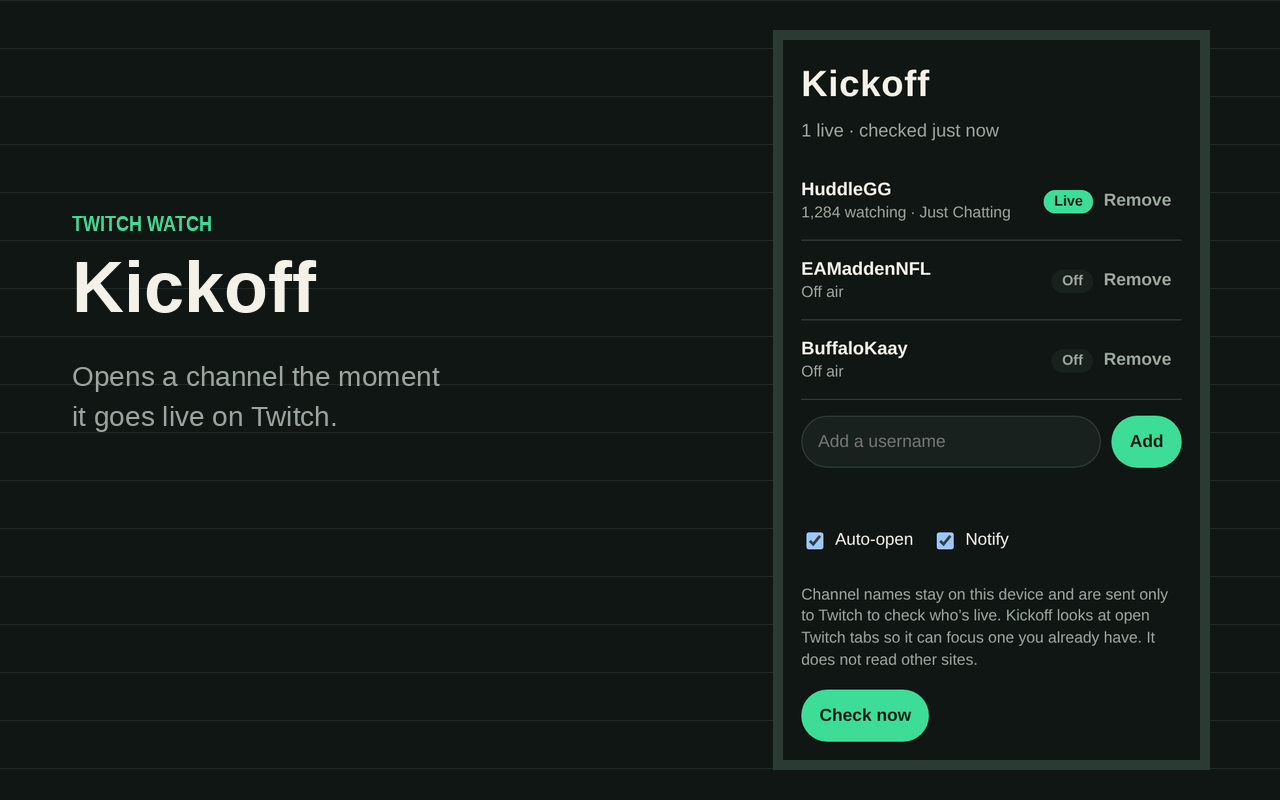
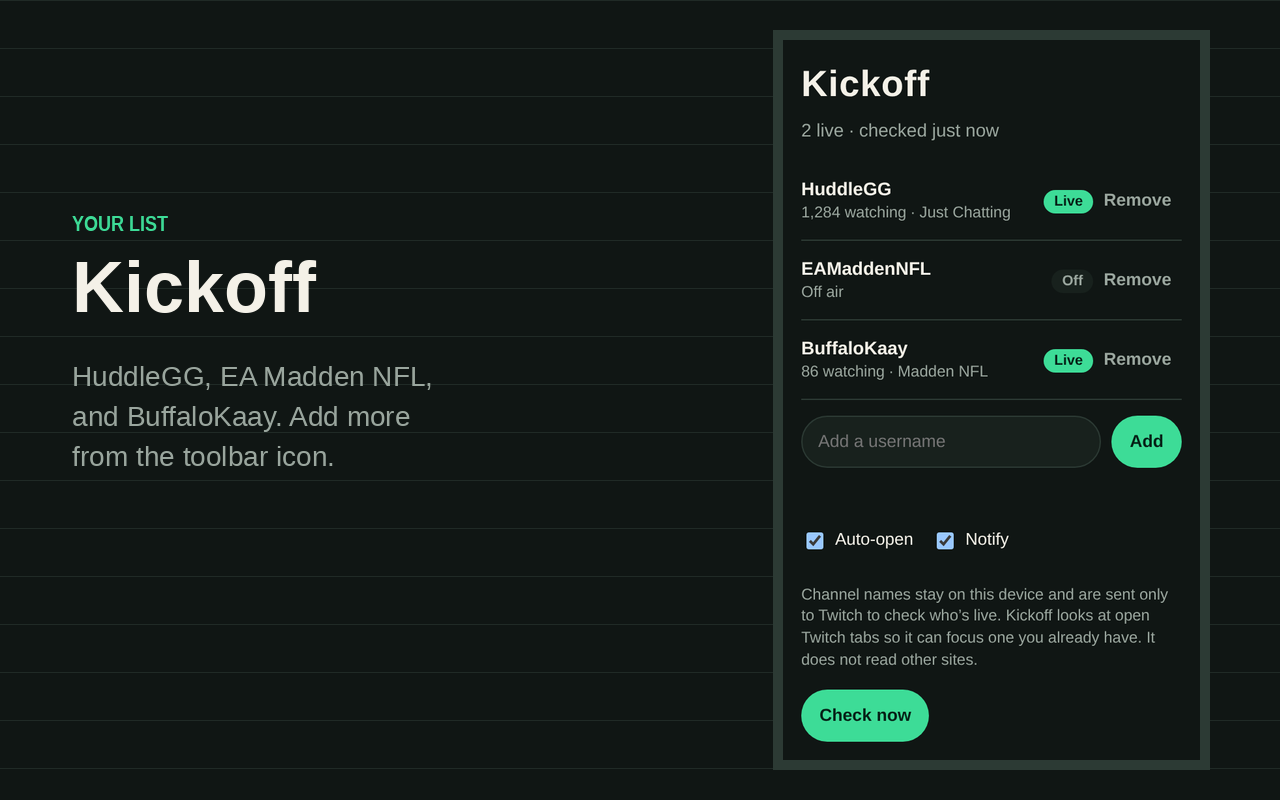
Chrome Web Store icon128×128. Open this, then save the image and upload that file.Open a screenshot, save the image, and upload it on the Store listing tab. 1280×800.
Unpacked add-on until it is listed on the Chrome Web Store. Click the Kickoff icon to add or remove channels. Turn on Chrome’s setting “Continue running background apps when Google Chrome is closed” if you want checks after the last window closes. Privacy. Store icon. Store upload kit.